This article is aimed at people still using an older version of Windows after all support for that operating system ended. It explains what the risks are and offers some solutions.
¶ Background
As Microsoft announced many years ago Windows XP support ended on 8 April 2014. This means there are no more system security updates for Windows XP and new system vulnerabilities now go unaddressed.
Because Windows XP still has a substantial user base it remains a target for exploitation. Since the end of support in April 2014 malware writers and criminals have been targeting Windows XP users, knowing that any exploits will not be corrected. There have been numerous reports of wide-ranging vulnerabilities being exploited. All of this means that Windows XP is no longer safe to use and cannot be reliably secured.
As of March 2022, the oldest version of Windows still receiving security updates is Windows 8.1. Windows Vista, Windows 7 and Windows 8.0 are no longer supported.
¶ Risks
If you continue to use Windows after support has ended there is a good chance that:
- you will have your computer compromised by malware, taking advantage of known, but unpatched, exploits
- you will have your data stolen, including credit card and banking information
- your computer will be used under remote control as part of a botnet for purposes of spamming and that will result in NCF’s mail server being blacklisted, interrupting all NCF user’s mail.
¶ Form
These days the choice of desktop computers is more limited than it was in 2001 when Windows XP came out, as many people have moved to portable devices. If you are looking for new hardware you need to consider what form computer would suit your needs best now. 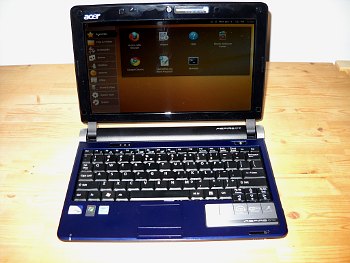
Desktop tower
Has the largest and most complete keyboards, mouse and is easy to set up with printers, scanners and other peripherals, usually connected by ethernet, although some modern ones support wifi.
Laptop
More portable, usually connected via wifi, enables you to work in your living room, bedroom, etc
Netbook
These were very popular a few years ago and there are still a few models available, essentially a small laptop, with a scaled down screen and keyboard.
Tablet
Smaller and lighter than a laptop, but lacks a real keyboard. Most people use these for watching video rather than for writing with.
Smart phone
These are really small computers more than phones and may be handy due to their portability, although their keyboards and screens are small.
¶ Solutions
There are a number of possible solutions, with costs ranging from free to many thousands of dollars. Here are some possible solutions.
¶ Buy a new computer running Windows 11
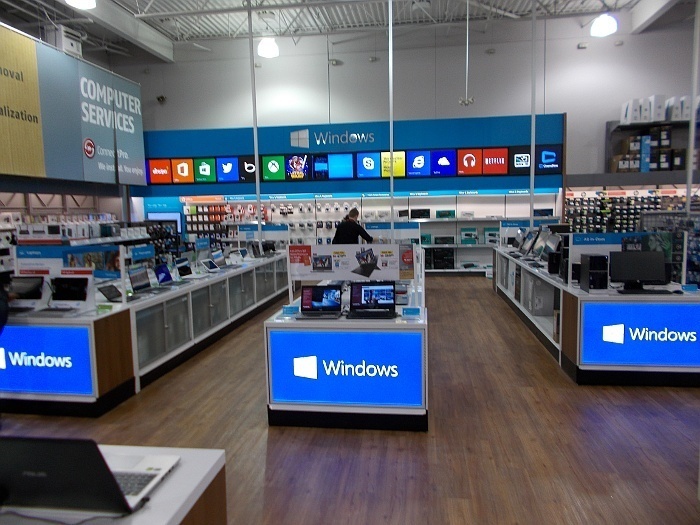 This is Microsoft’s officially preferred solution for users still running Windows XP. A new desktop tower or laptop running Windows 10 will cost $450 and up. These are generally available at all electronics stores that sell computers.
If you are using Windows then avoid using Microsoft’s Internet Explorer browser. Use an alternative browser and install AdBlock+ to reduce risks. This article explains why and offers better alternatives.
¶ Buy a used computer running Windows 10 or Windows 11
In general computers that came with Windows XP will not run newer versions of Windows due to slow processors and lack of RAM. Used computers running Windows 10 are available at most used computer outlets, like CompuCorps, FactoryDirect.ca in Ottawa for $100 and up.
If you are using Windows then avoid using Microsoft’s Internet Explorer browser. Use an alternative browser and install AdBlock+ to reduce risks. This article explains why and offers better alternatives.
¶ Buy a Mac
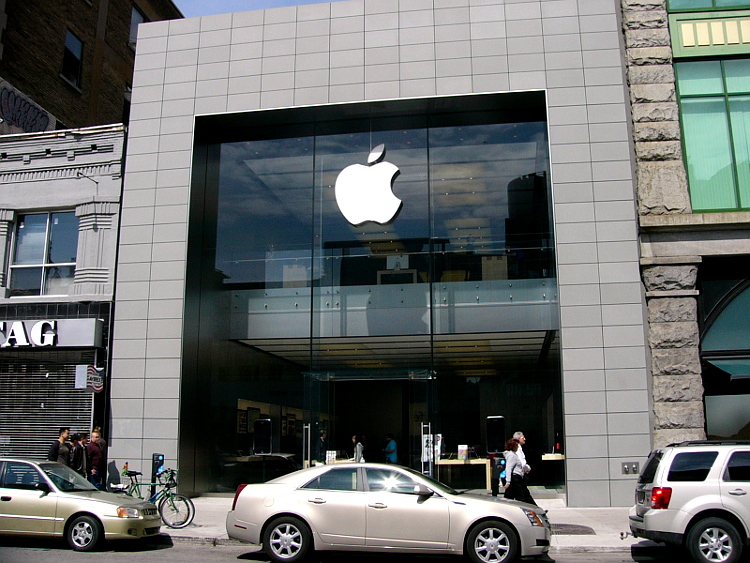 Apple Macs are in general better protected against malware than Windows computers are, but they are more expensive. New desktop and laptop Macs start at about $1200, but used ones will be cheaper where available. Macs are available at dedicated Mac stores in Ottawa and some electronics stores that have in-store Mac shops.
¶ Buy a Chromebook
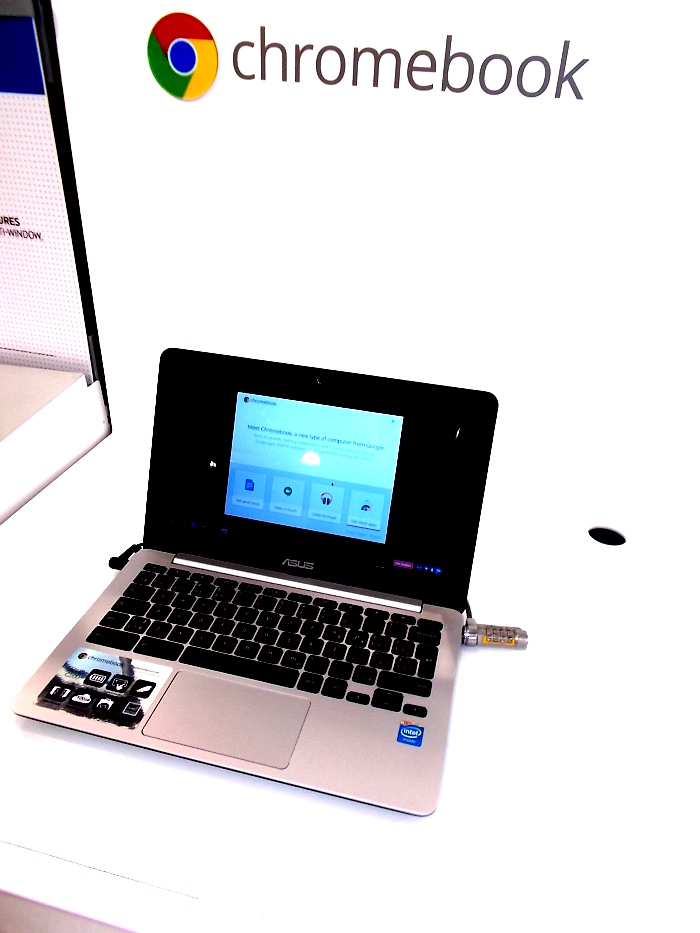 Google Chromebooks have been on the market for a few years. These simple computers are Linux-based and primarily run the Google Chrome web browser. Most document processing tasks are carried out using Google Drive (formerly called Google Docs). Their main advantages are that they are well protected against malware, require little outside technical support or knowledge, update automatically and, for people with simple computing needs, may provide a cost-effective and safer computing experience. Chromebooks start at about $270.
¶ Buy a Linux computer
Some computer vendors, such as Dell, System76 and others build new computers that come with Linux-based operating systems, such as Ubuntu, pre-installed. In general these have to be ordered through web sales. Linux-based systems are better protected against malware, more stable and these days are easy to use.
¶ Install a new operating system on your hardware
While old hardware that came with Windows XP will not generally run newer Windows operating systems there are still some lightweight Linux-based operating systems that will run well on that hardware. The main advantages of Linux based systems are that they are well protected against malware, easy to install and learn and are generally available free of charge. That means if you already own a computer running Windows XP there are solutions that will cost nothing.
Pretty much all Linux-based systems will run LibreOffice, a free software office suite similar to Microsoft Office, that enables you to edit, create and save the usual Microsoft format documents, like .doc, .docx, xls and .ppt files. Here is a comparison of LibreOffice features versus Microsoft Office.
Many other familiar applications are available for Linux, too, like the Firefox and Chrome web browsers. Generally there are Linux applications to replace Windows applications and do almost all computing tasks. If you absolutely must use specific Windows applications many can be run using a compatibility layer, like Wine.
Linux operating systems will generally meet the needs of most computer users, unless there are specific Windows programs or games that have no Linux equivalent or cannot be run through Wine or other similar solutions.
¶ Puppy Linux
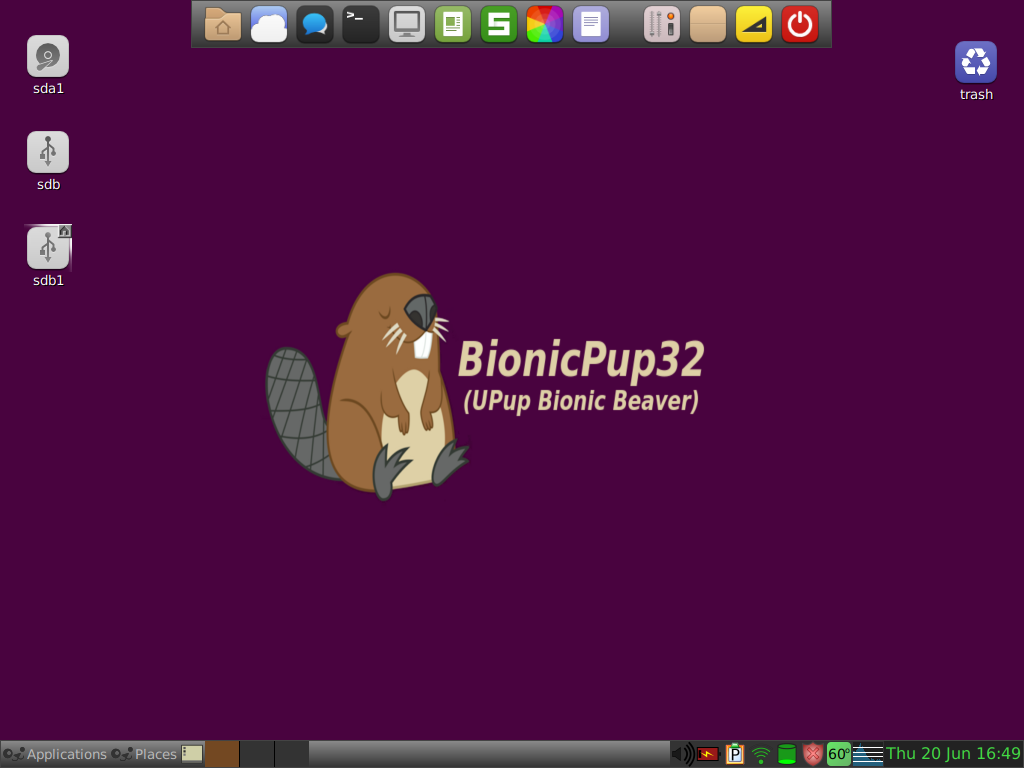 Windows XP computers are now so old (the last ones were sold in about 2006), are 32-bit and have such limited RAM and CPUs by modern standards, that they will only run lightweight 32-bit Linux systems, such as Puppy Linux.
Complete instructions on how to install it are at: Puppy Linux.
¶ See also
¶ External links
- Windows XP support has ended - Microsoft article
- End of Windows XP tech support: How it will affect you 25 March 2014, on CBC
- Windows XP holdouts vulnerable to hackers - CBC article
- What’s wrong with Microsoft? by Dominic Humphries
- Russian cybercrime group compromised half a million computers Article that shows an example of why users should not still be using Windows XP or Internet Explorer, 7 October 2014
- Windows 7 Annoyances by David Karp, a book that details the limitations of the various versions of Windows 7 and offers advice on how to make the operating system more secure and perform better.
- Can Ubuntu…? — 4 Questions New Users Ask by Joey-Elijah Sneddon on OMG Ubuntu
- Windows XP support ends April 8: What are your options? on Gizmag
- 11 Percent of Windows XP Users Will Switch to Linux, Survey Claims, OMG Ubuntu, 21 February 2014
- Windows XP User? Here’s 4 Reasons to Switch to Lubuntu This April By Joey-Elijah Sneddon, OMG Ubuntu
- 3 easy Linux alternatives for Windows XP refugees who don’t want a new PC on PC World
- What It Means When Microsoft Stops Supporting Your Version of Windows - on How-To-Geek