Hitron CODA-45
¶ Network Eligibility
The Hitron CODA-45 available from NCF has been certified by the following cable network vendors for operation on their infrastructure:
- Rogers (Ontario)
- Cogeco (Ontario and Quebec)
¶ Firmware
Current certified firmware versions: 7.2.4.3.1b3 and 7.1.1.1.2b1 (on the Rogers and Cogeco cable networks)
Cable network operators control what cable modems and firmware versions can be used on their networks. Operators run all cable devices and firmware versions through their own testing process, after which the device and firmware are certified for use on the cable network. After the testing and approval process of a new version of firmware for a cable device, cable network operators may then automatically upgrade all cable modems connected on their network with the latest certified firmware.
NCF does not have access to firmware that it can provide to members.
¶ Accessing the Configuration
You must complete the Quick Setup for the Hitron CODA-45 before you can access its Configuration. If you have not completed the Quick Setup, you will be directed to it when attempting the follow the steps below.
To access the Hitron CODA-45 Configuration:
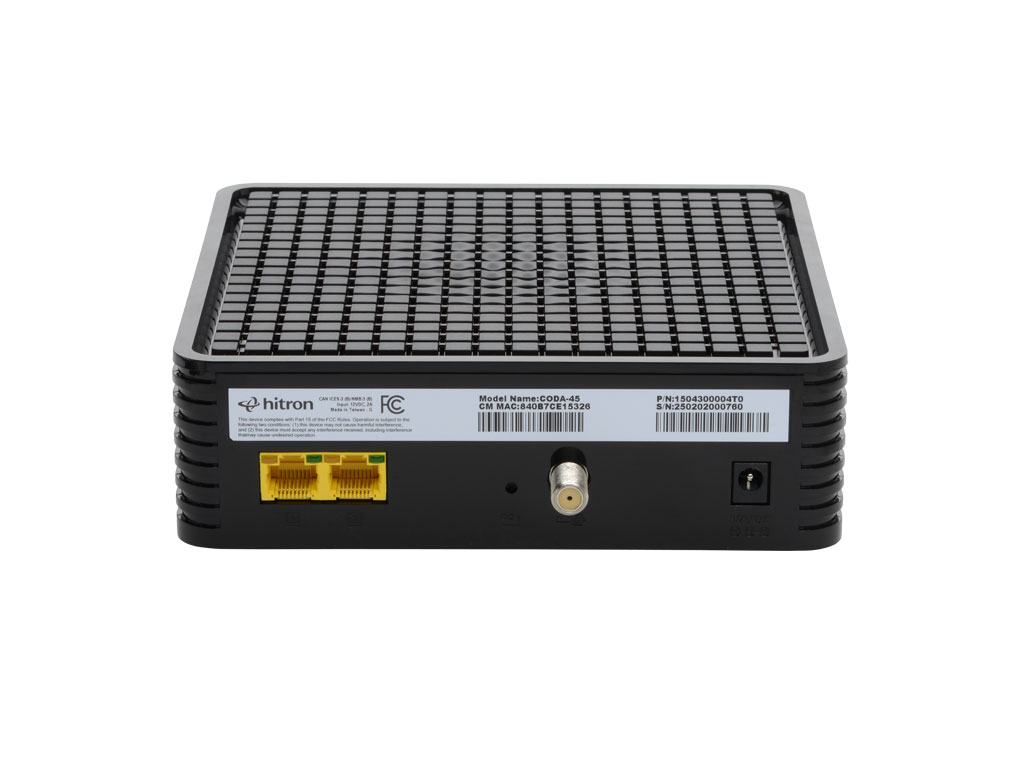
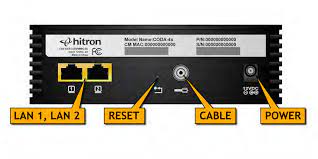
- Connect a device to the modem by plugging an ethernet cable from your device into one of the LAN ports on the back of the modem.
- Open up a web browser on your connected device.
- Enter 192.168.0.1 in your web browser’s URL bar.
- A login screen for the Hitron CODA-45 will appear. The default username and password are case-sensitive, and are:
- Username: cusadmin
- Password: password
- Select Login. The Status Overview screen will display.
¶ Modes of Operation
Functions only as a modem. A separate router is required to provide Wi-Fi.
¶ Factory Reset
When you reset the CODA-45 to its factory default settings, all user-configured settings are lost, and the modem is returned to its initial configuration state.
To factory reset the CODA-45:
- Using a pin or pencil tip, press and hold the recessed RESET button at the back of the modem for more than 5 seconds.
The CODA-45 will turn off and on again, and load with its factory default settings.
Note: Depending on your previous configuration, you may need to re-configure the IP settings of the devices you are connecting to the modem.
¶ Modem Lights
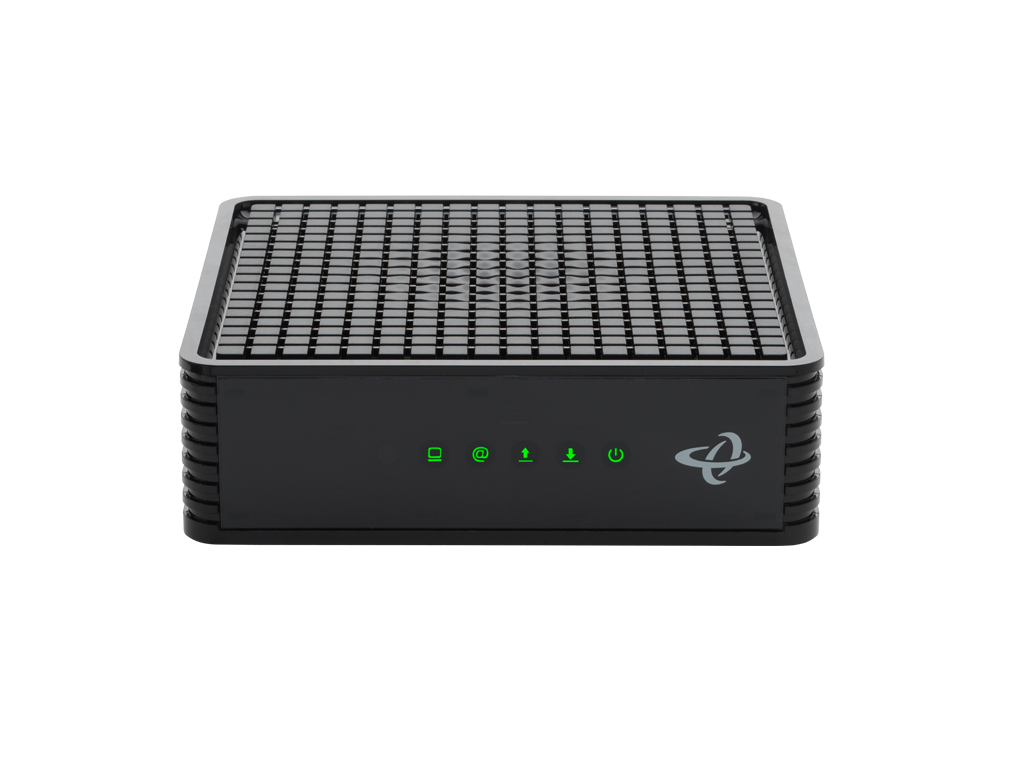
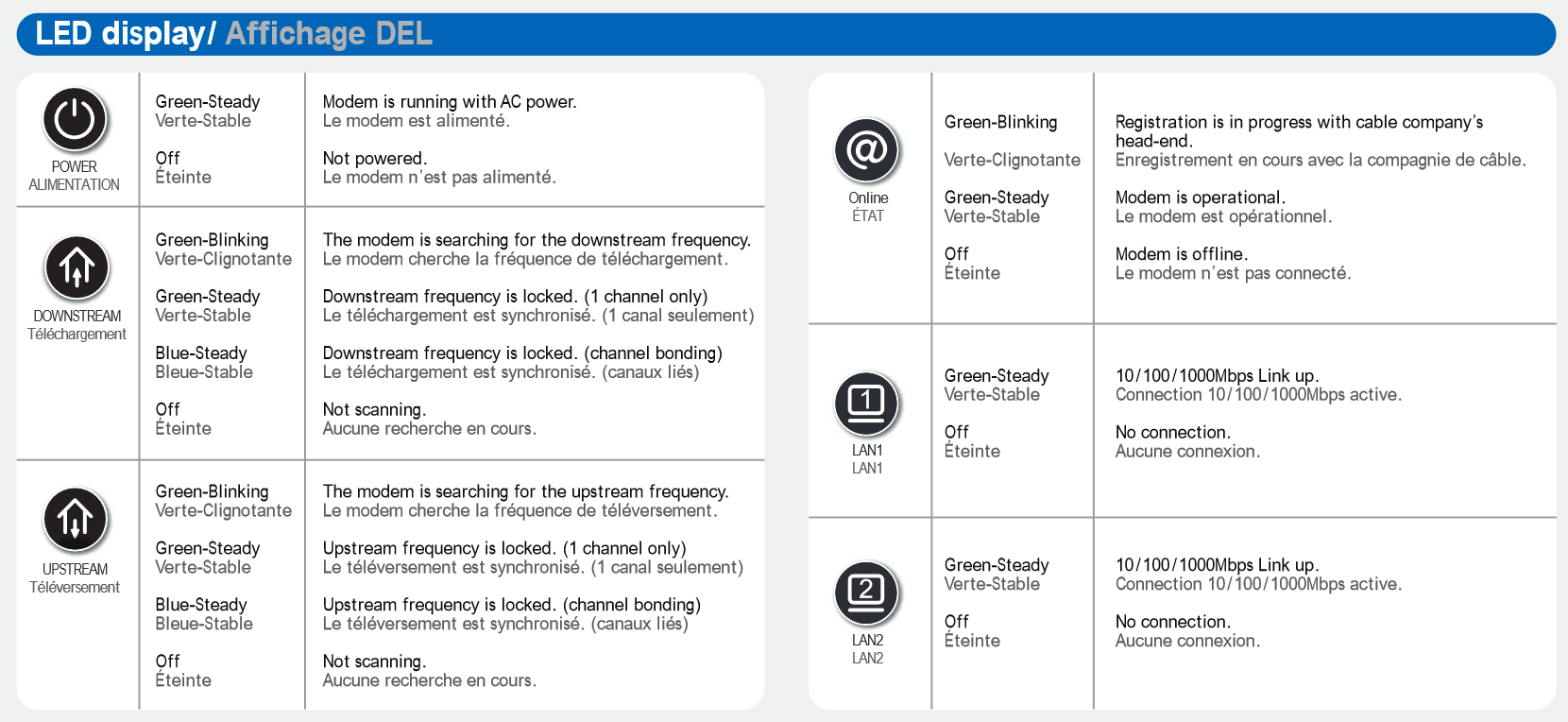
The operational status of the Hitron CODA-45 is indicated by lights (LEDs). These LEDs indicate the status of the modem’s power, downstream connection (DS), upstream connection (US), internet connectivity (@), and active Ethernet ports (LAN).
Information is communicated by the light colour (green or blue) and state (solid, off, or flashing).
Here’s a summary of how to read the lights on the Hitron CODA-45:
¶ Images