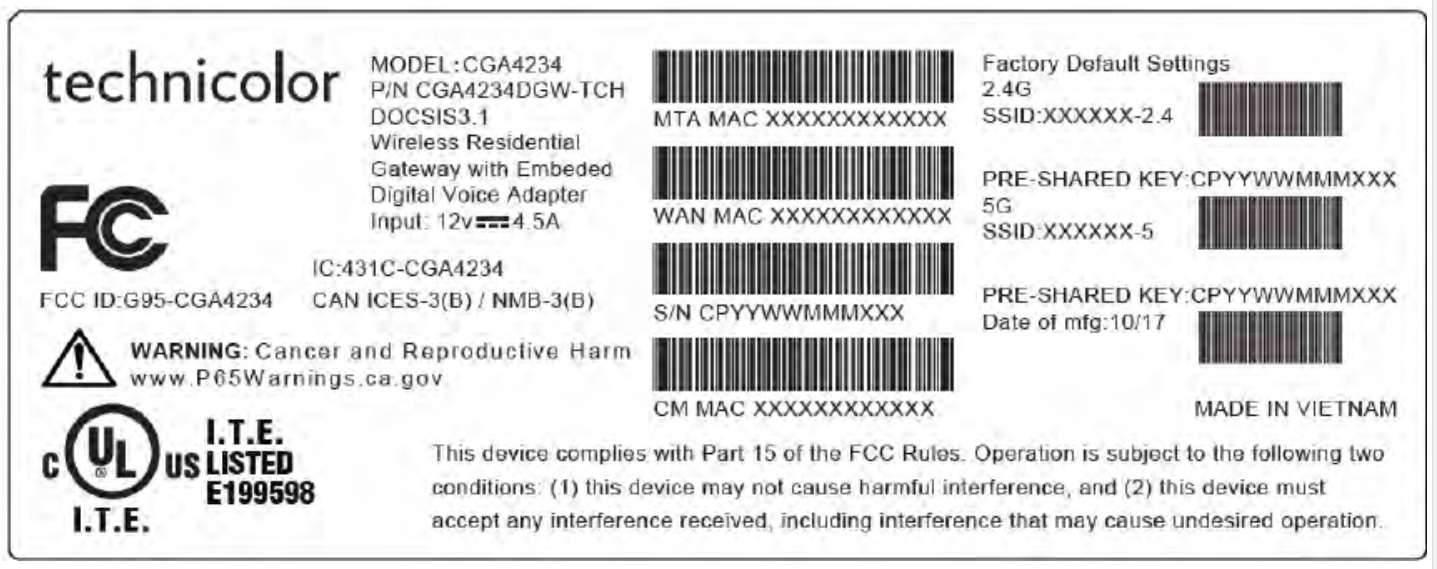
Technicolor CGA4234DGW
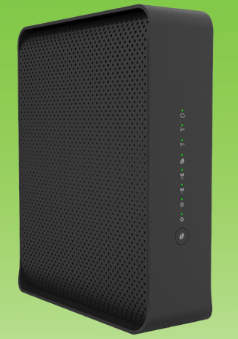
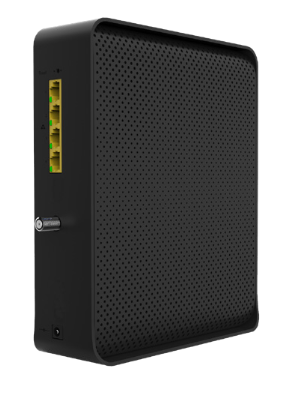
Sold from August 2021
- Home
- Router Configuration
- Bridge Configuration
- Changing Wi-Fi Channels
- Port Forwarding
- Technicolor CGA4234DGW - Quick Start
- Technicolor CGA4234DGW - Data Sheet
¶ Network Eligibility
The Technicolor CGA4234DGW available from NCF has been certified by the following cable network vendors for operation on their infrastructure:
- Rogers (Ontario)
¶ Firmware
Current certified firmware version: CGA4234-P15-13-CA902-c0200r181-191007 (on the Rogers cable network)
Cable network operators control what cable modems and firmware versions can be used on their networks. Operators run all cable devices and firmware versions through their own testing process, after which the device and firmware are certified for use on the cable network. After the testing and approval process of a new version of firmware for a cable device, cable network operators may then automatically upgrade all cable modems connected on their network with the latest certified firmware.
NCF does not have access to firmware that it can provide to members.
¶ Accessing the Configuration
To access the Technicolor CGA4234DGW Configuration:
- Connect a device to the modem by plugging an ethernet cable from your device into one of the LAN ports on the back of the modem, or by connecting your device to the modem over Wi-Fi.
- Open up a web browser on your connected device.
- Enter 192.168.0.1 in your web browser’s URL bar.
- A login screen for the Technicolor CGA4234DGW will appear. The default username and password are case-sensitive, and are:
- Username: admin
- Password:
- Select Login. The Status Overview screen will display.
¶ Modes of Operation
- Routed - Functions as both a modem and Wi-Fi router, which is recommended for most members. Another router can be added to extend the network, but each network must use a different subnet.
- Bridge - (Advanced) Functions only as a modem. A separate router is required to provide Wi-Fi.
¶ Factory Reset
When you reset the Technicolor CGA4234DGW to its factory default settings, all user-configured settings are lost, and the modem is returned to its initial configuration state.
To factory reset the Technicolor CGA4234DGW:
- Using a pin or pencil tip, press and hold the recessed RESET button at the back of the modem for at least 10 seconds.
The Technicolor CGA4234DGW will turn off and on again, and load with its factory default settings.
¶ Modem Lights
The operational status of the Technicolor CGA4234DGW is indicated by lights (LEDs). These LEDs indicate the status of the modem’s power, downstream connection (DS), upstream connection (US), internet connectivity (()), Wi-Fi availability (2.4GHz and 5GHz).
Information is communicated by the light colour (green or orange) and state (solid, off, or flashing).
¶ Images