Ovislink OV804WVA
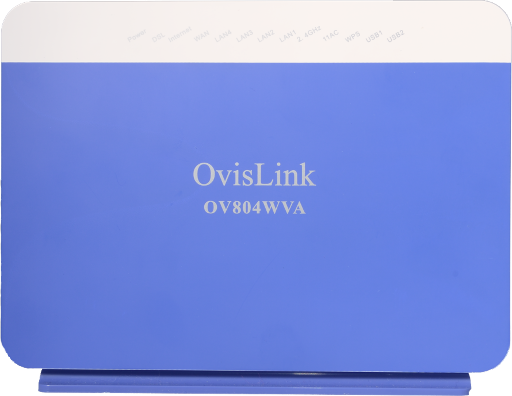
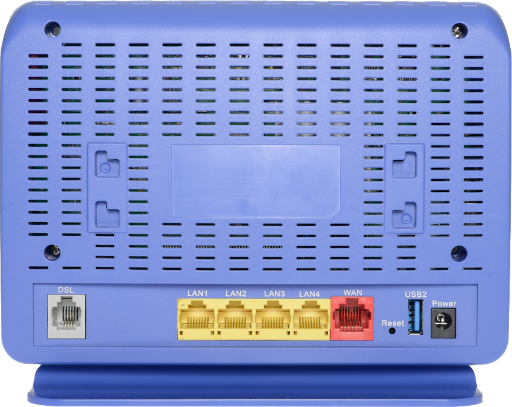
1. Connect to your modem using a wired Ethernet cable or join your Wireless network.
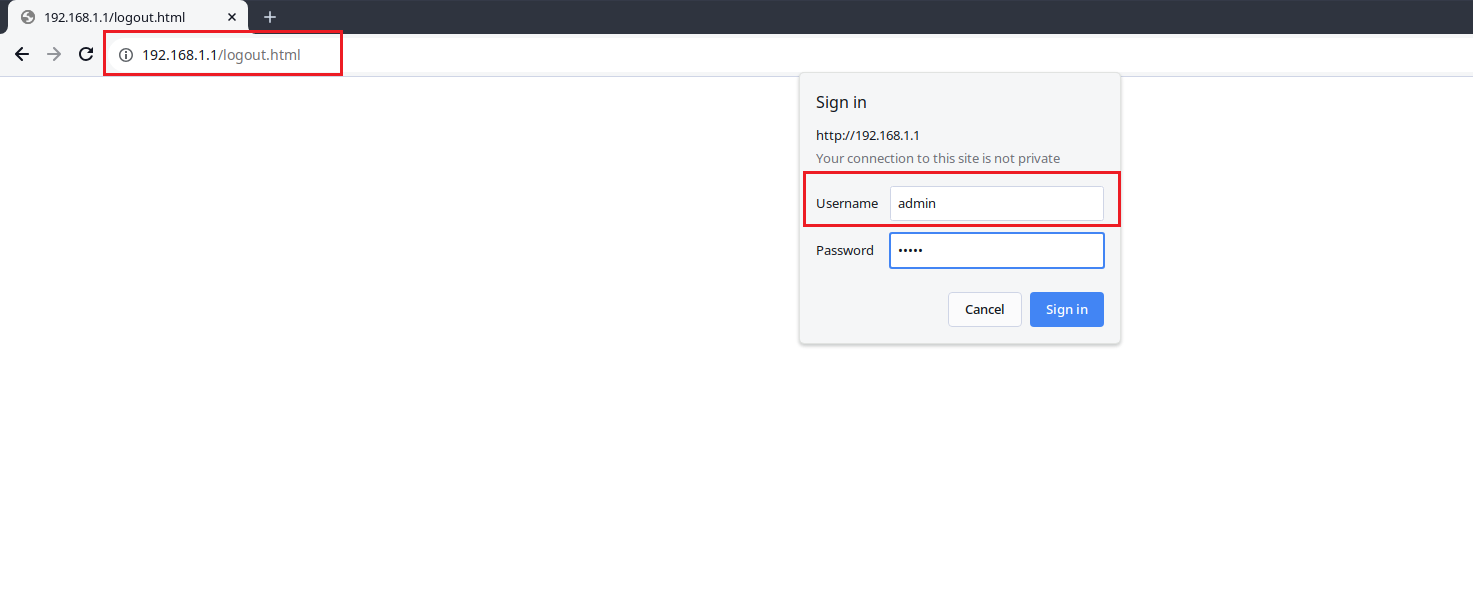
2. Open an Internet browser on your computer and connect to the modem by typing 192.168.1.1 in the address bar.
3. Log in to the Administrative Account:
- Username: admin
- Password: Your DSL password (Default is admin)
 4. From the Advanced Settings page, navigate to the Advanced Setup > DNS > DNS Server option on the left.
 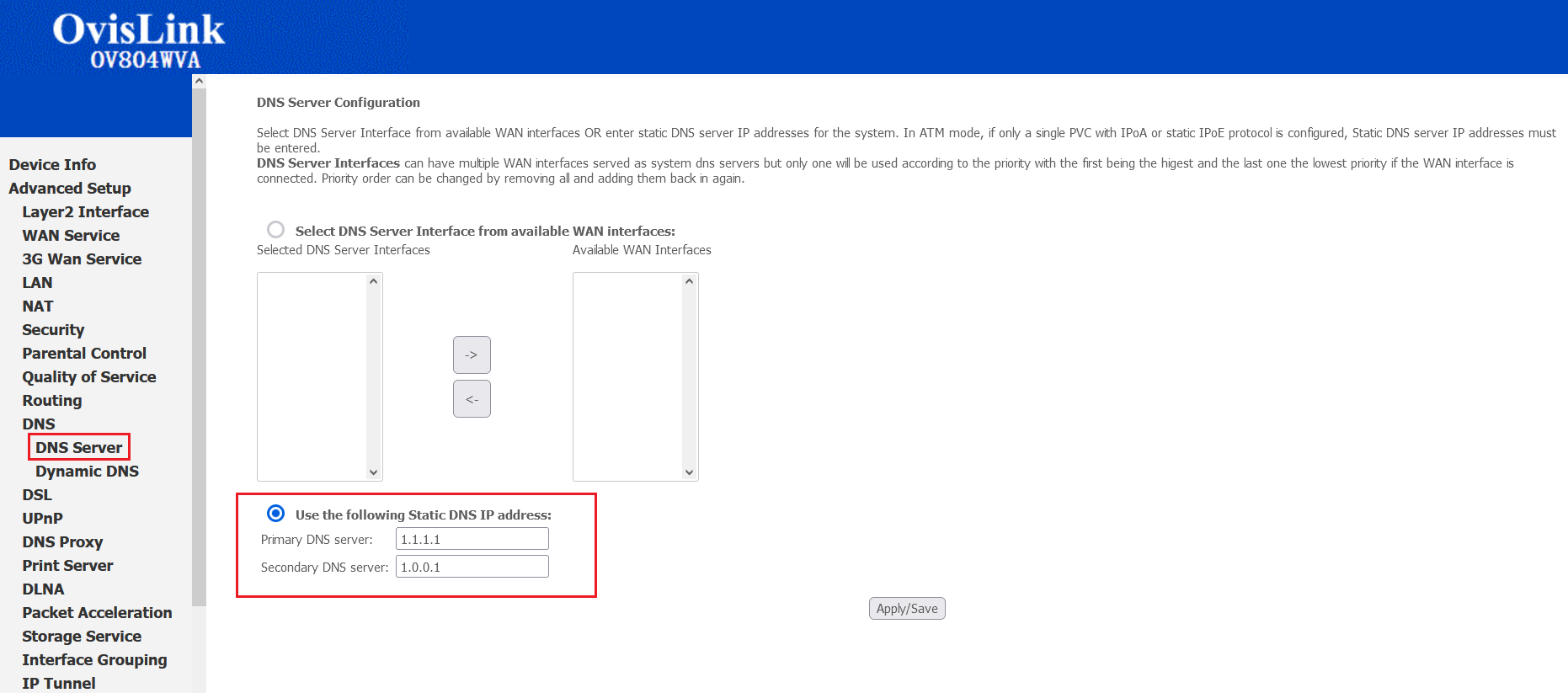 5. Change the settings for Use the following Static DNS IP address:. We recommend using the cloudflare DSN servers at:
- Primary DNS Server: 1.1.1.1
- Secondary DNS Server: 1.0.0.1
6. Click Apply/Save at the bottom of the page.
¶ See Also
- Modem Configuration - Instructions for all NCF modems
- Ovislink OV804WVA Changing WiFi Name or Password
- Ovislink OV804WVA Changing WiFi Channels