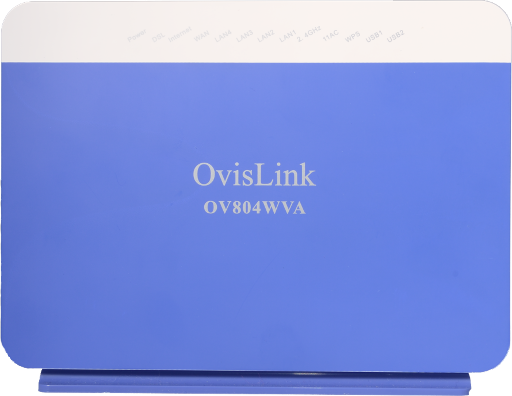
Ovislink OV804WVA
Summary of Configuration Information and Changes |
|---|
Modem Login Page: Modem Administrator User Name: Modem Administrator Password: |
Where to go in Menu |
Changes: |
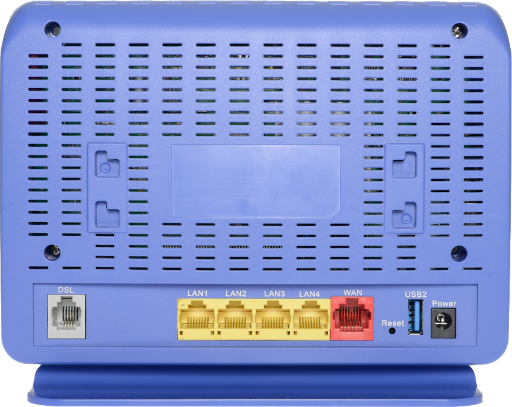
1. Using an Ethernet cable plug into one of the yellow LAN Ports at the back of the OvisLink modem. Connect to the Network NCF_XXXX on your computer. Your computer should indicate an Ethernet connection as opposed to a wireless one.
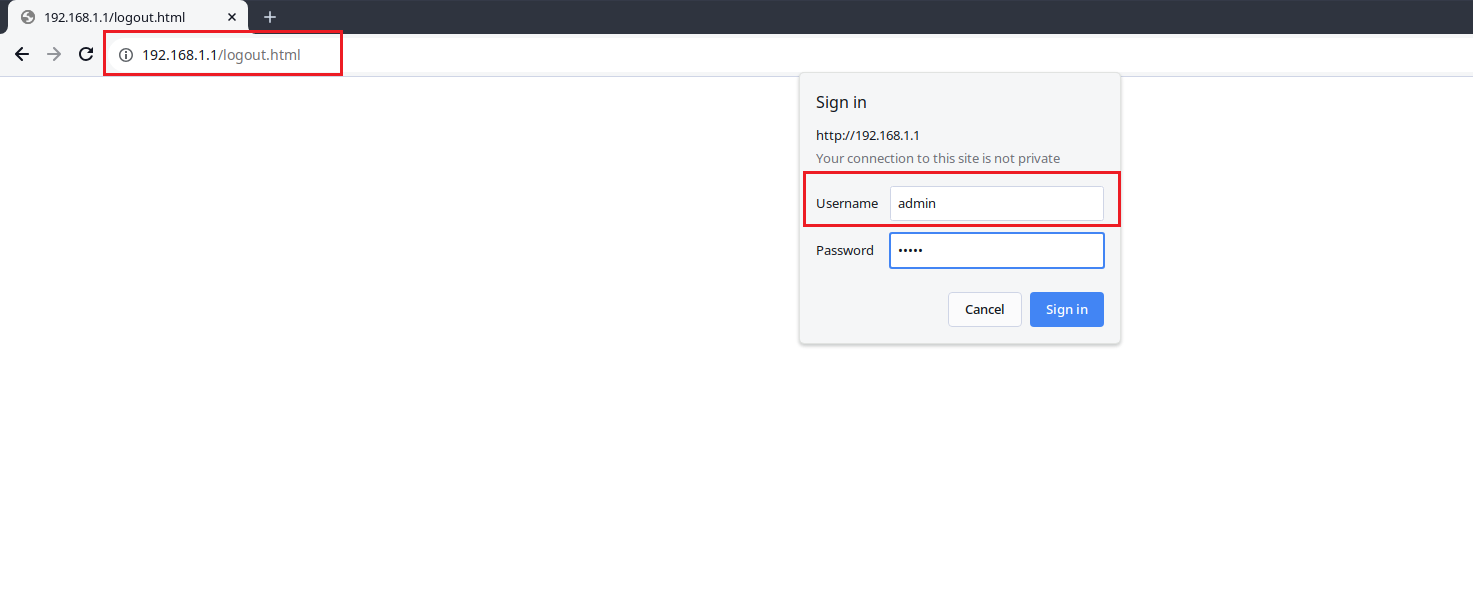
2. Open an Internet browser on your computer and connect to the modem by typing 192.168.1.1 in the address bar.
3. Click on the Manage Gateway(Advanced)” Log in to the Administrative Account:
- Username: admin
- Password: Your DSL password (Default is admin)
 4. From the Device Info page, navigate to Wireless menu option on the left.
5. Click on the Advanced submenu link on the left-hand side, under the Wireless Menu (or under Wireless → 2.4 GHz Band Menu) 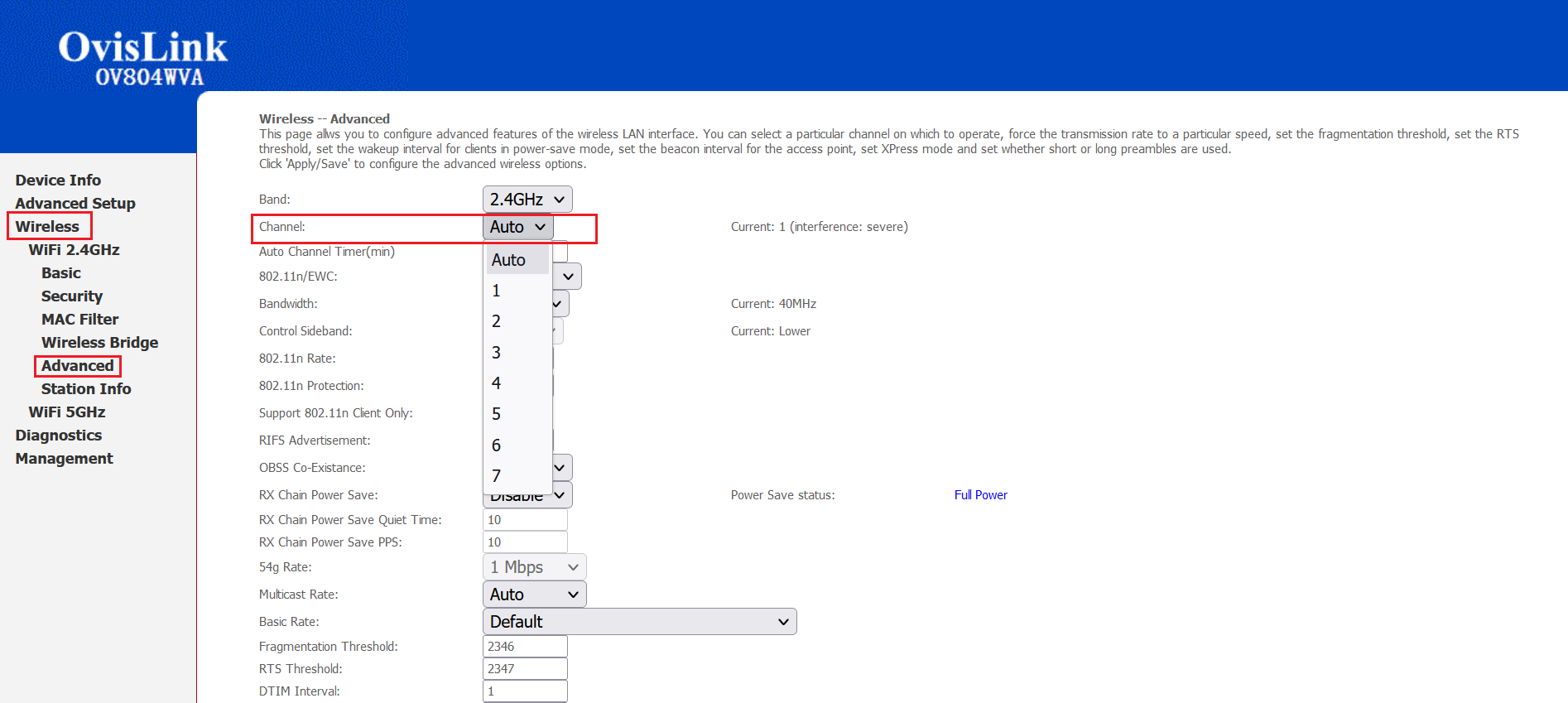 6. On the Wireless-- Advanced settings page, make the following changes:
- Channel: Change from Auto to channel with the least interference as determined by your wireless interference tests. Try 3,4, 5 or 7
7. Click Apply/Save at the bottom of the page.
Notes:
- Wireless channels shouldn’t have to be changed often (more than once every 6-12 months). If you find yourself making these changes too frequently, you may have to invest in a mid to high end router with additional channels on the 5Ghz frequency. Contact support@ncf.ca for recommendations if needed.
¶ See Also
- Modem Configuration - Instructions for all NCF modems
- Ovislink OV804WVA Changing WiFi Name or Password
- Ovislink OV804WVA Routed configuration