Ovislink OV501GF
¶ Preparation
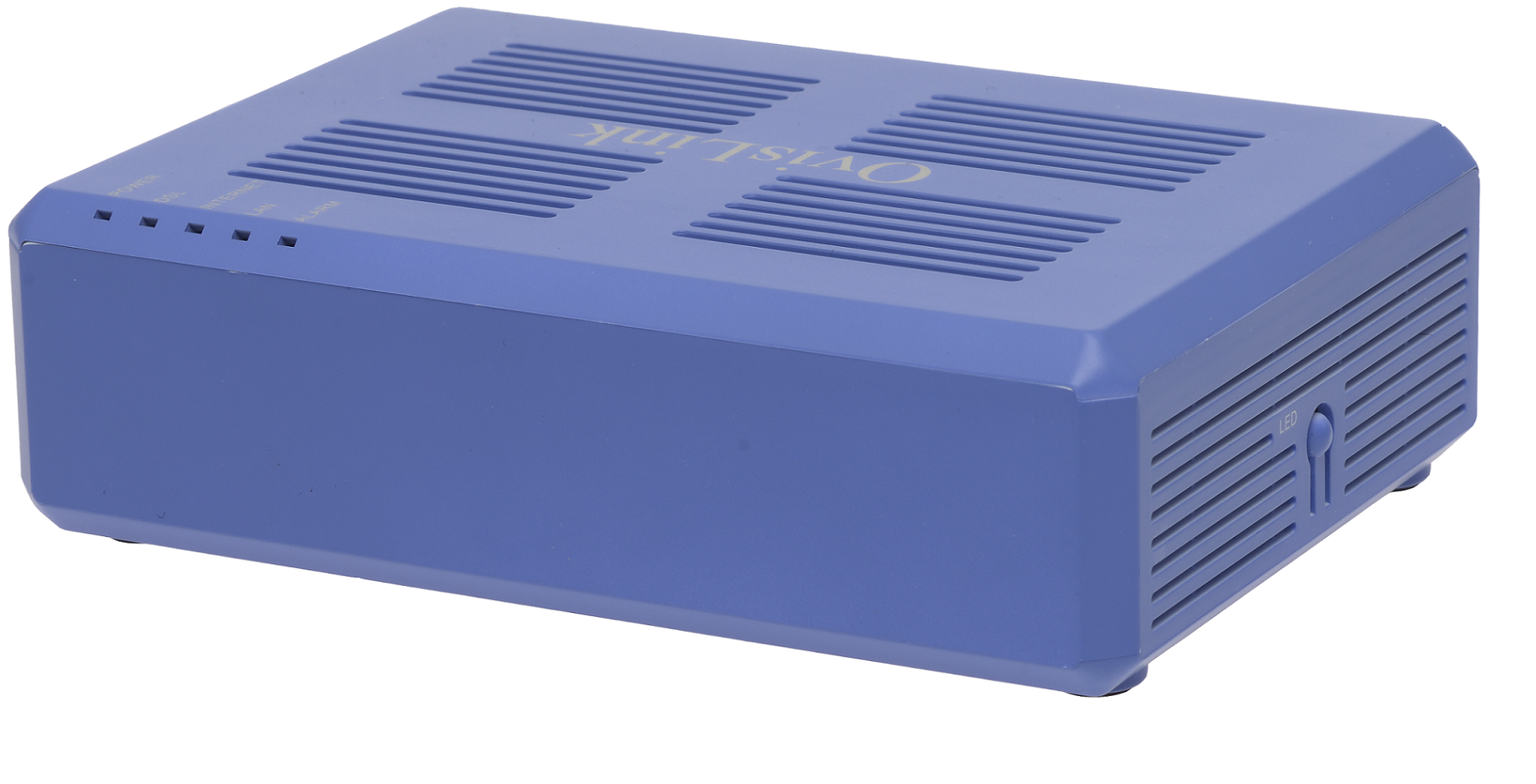
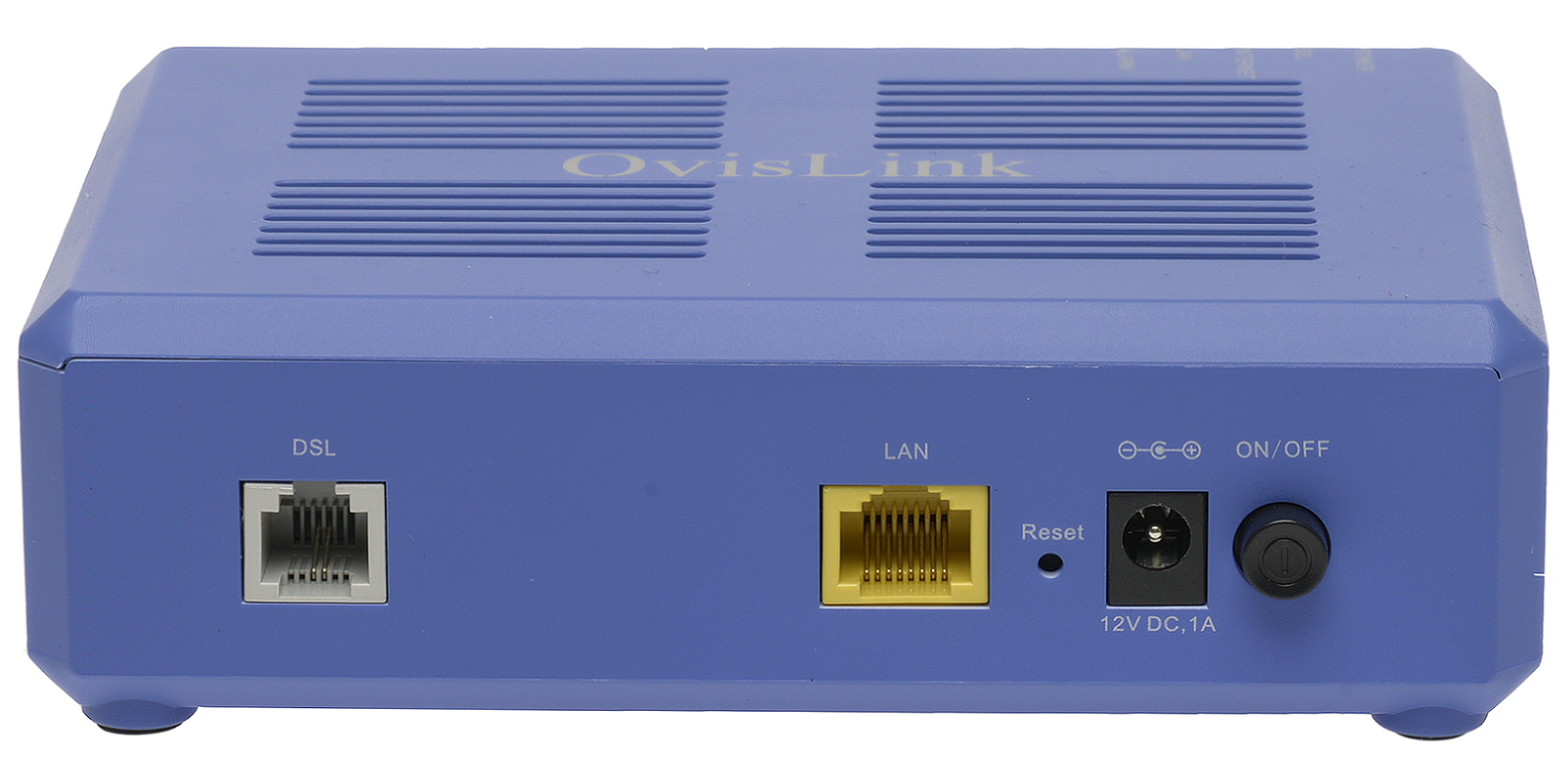
The Ovislink OV501GF modem router supports both ADSL and VDSL, and switches automatically to match the line it is connected to.
Before you start configuring the modem:
- Factory Settings: If you pick up a modem from the NCF office, it should already be configured for your account. These instructions are for configuring the modem from elsewhere or after it is been reset to factory settings. If the modem is not new, we recommend resetting it by holding down the reset button with a paper clip for about 10 seconds.
¶ Configuration
If you pick up a modem from the NCF office, it should already be configured for your account. You can follow our instructions to configure the modem yourself, or contact support@ncf.ca if you would like to bring your modem to our office to be configured.
¶ Methods
To connect with the internet over DSL, your home network needs to provide “credentials” which are just a user-name and password to authenticate as a legitimate user of NCF service. Usually that is the job of your modem, but there are exceptions.
When you use a single port router, you will need to choose between a routed or a bridge mode. Your choice is pretty simple and is based on how you are going to use the Internet in your home.
¶ Modes of Operation
- Routed. The modem routes data between your computer and the Internet. The modem provides your credentials to the Internet service.
- Bridge. The modem bridges your separate router to the internet. The router is required to make the PPPoE connection, and it handles the various addressing needs of your devices.
¶ Your Router Needs Your Credentials
Your credentials are used for a connection called a PPPoE connection. (That stands for Point-to-Point over Ethernet - a technical term for the connection with our servers.) You need to verify that you are allowed to connect, and your NCF credentials will let you do that.
Your goal with a router is to simply set up the PPPoE configuration with your username and password.
Your username will be something in the form of ab123@ncf.ca (with your own ID of course), and your password is your personal password. (That’s usually 12 characters, something like ncfabc123def ).
With that set, your modem provides the router an Internet interface, and your router can handle all your local home networking needs.
¶ Images
¶ See Also
- Modem Configuration - Instructions for all NCF modems